Testers are your first buyers. They print, tape, trace and project the way your customers will, so they should get the same kinds of files your customers will. A tester who only gets an A4 file can't tell you that your A0 sheet prints with a gap, or that a size layer won't switch off on a projector.
Here's the whole package, and what to ask about each part.
The files
| Send | What testers check |
|---|---|
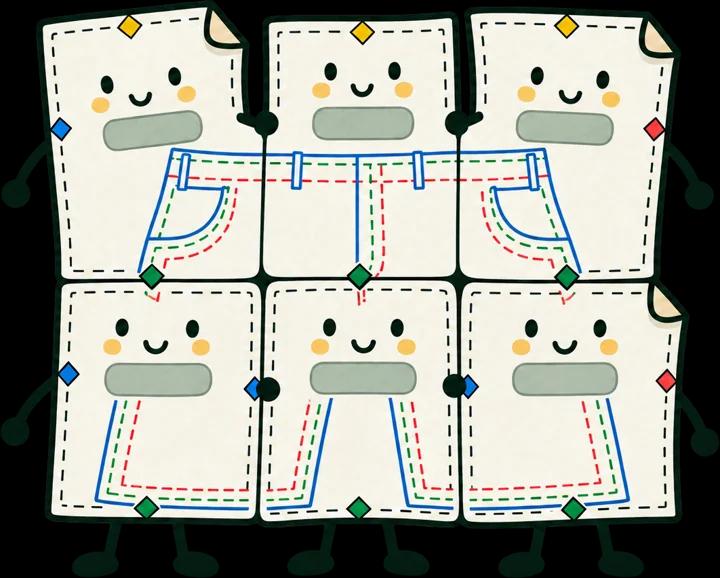
| Tiled A4 and US Letter | That pages line up, the test square measures true, and each size switches off |
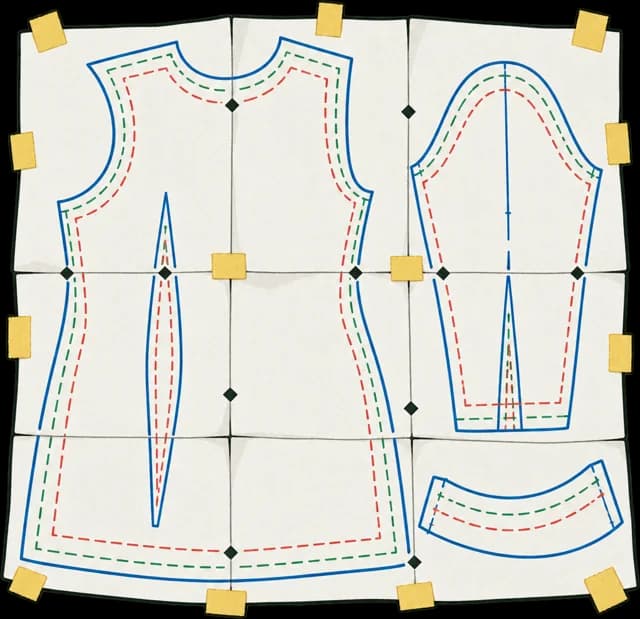
| A0 and 36 × 48 in sheets | That a copyshop prints them at 100%, and the sheet count is right |
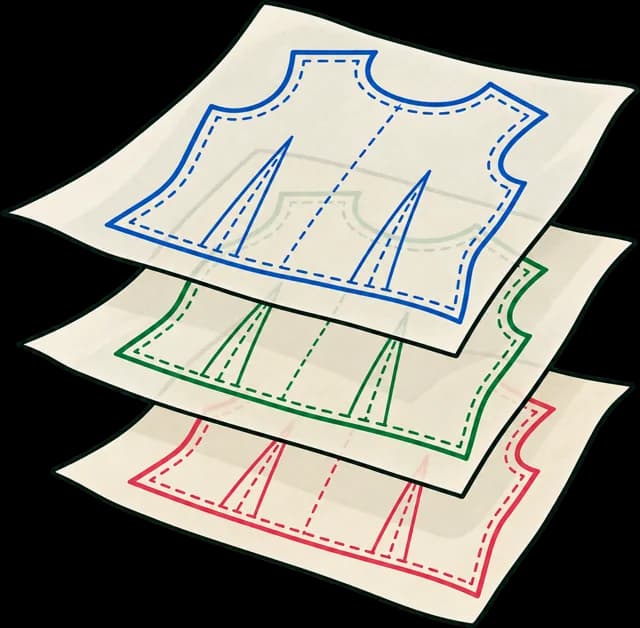
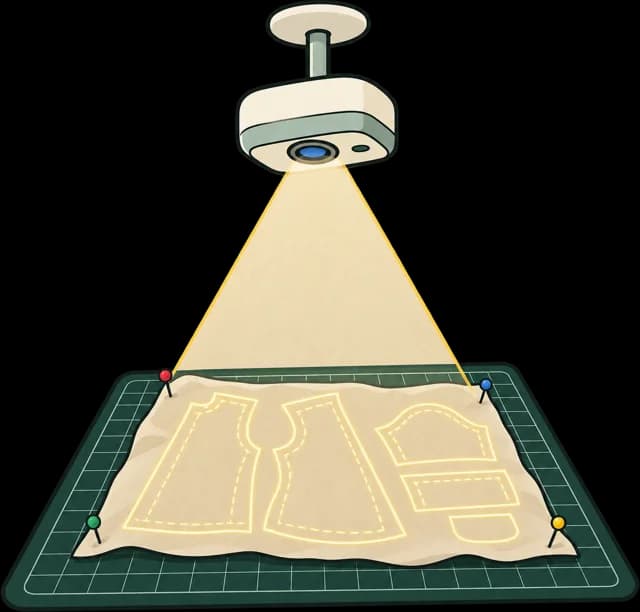
| Projector file | That it calibrates, the lines are thick enough on fabric, and sizes switch off |
| Draft instructions | Every step, in order, by someone who can't ask you what you meant |
Send every format you plan to sell, built the way you'll build the final files. A quick one-off export tests the pattern but not the files, and the files are what most support emails are about.
Not every tester uses every format. When you pick testers, ask how they print: at home, at a copyshop or with a projector. Then make sure each format has at least one person using it for real.
Keep instructions in their own PDF. Testers will mark them up, and you'll change them more often than the pattern.
Mark every page
Put a mark on every page of every test file: a version number and the words test copy, not for sale. It tells testers the file isn't final, it stops an early version being taken for the release, and it makes a shared copy obvious.
A mark deters; it doesn't lock anything. Your terms do the rest: say in your tester message that the files are for testing only and aren't to be shared or sold.
Number the version
Print the version on every page and put it in the file names: 0.1 for the first round, 0.2 for the next, 1.0 for release. When a tester reports "the back notch is off", you need to know which file they're holding. A name like wide-leg-trouser-a4-v0-2.pdf answers that before you ask.
The message that goes with the files
Put everything in one message, so nobody has to ask:
- The deadline, with time for fabric to arrive.
- What to print first: the page with the test square, measured with a ruler before anything else is printed.
- Which viewer to use: Adobe Acrobat Reader, or a projector app that shows PDF layers. Browser viewers often ignore size layers and print settings. Our printing guide explains it for testers who are new to layered files.
- What you need back, and where: one form or shared sheet for everyone.
- What they get: most designers give testers the finished pattern. Say so up front, and say it'll be the clean final files.
Ask about the files, not just the fit
Testers report fit and instructions without being asked. File problems they tend to work around and never mention. Ask directly:
- What did your test square measure, printed at 100% or Actual size?
- Did every size except yours switch off? In which program?
- Did the pages line up at the marks? Which pages, if not?
- Copyshop testers: which shop, which paper size, and did they print at 100%?
- Projector testers: did it calibrate, and could you see the lines on your fabric?
A square that measures 96 or 97 mm almost always means the tester's printer scaled the page, not that the file is wrong. One that measures 75 mm means the file is. See why patterns print at the wrong size.
After the last round
Send testers the clean, final files you promised, without the mark. It's the thank-you most of them are waiting for, and it means the files they keep are the ones you sell.
Doing it with Sewpress
A test build in Sewpress makes every format from your master, with your size layers kept and the test square measured in every file, and puts a faint TEST COPY mark across each page with "TEST COPY · not for sale" in the margin. It's free: you can build 3 a day, and the files stay for 30 days. Each new round is a new test build.
Test copies are for you and your testers, not for sale, and the mark can't be switched off. When you launch, one credit ($12, or 5 for $39, 20 for $119) builds the same pattern and version clean, and those are the files to send your testers as their thank-you.
For the rest of running a test, from finding testers to sorting feedback, see how to run a sewing pattern test.
Questions
Do testers need every format?
Not each tester, but each format needs at least one tester who uses it for real: someone printing at home, someone at a copyshop and someone with a projector.
Should I send the master file?
No. Send the PDFs your buyers will get. The master is your source, and testers can't check what buyers will see from it.
A tester's square measures 97 mm. Is the file wrong?
Almost certainly not: their printer scaled the page. Ask them to print at 100% or Actual size from Acrobat Reader. A square at 75 mm does mean the file is wrong.