Templates
Start from a layered master
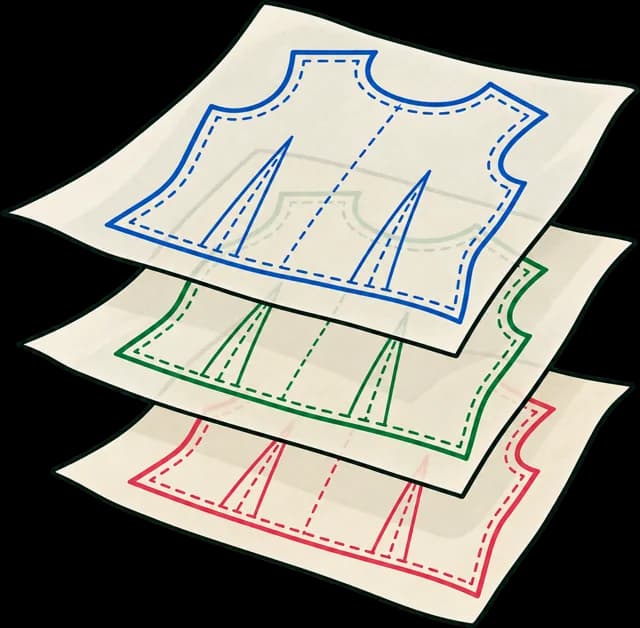
Real-size SVG files with the layers already in place: one per size, shared layers for marks and labels, and an exact 100 mm test square. Free to use for any pattern.
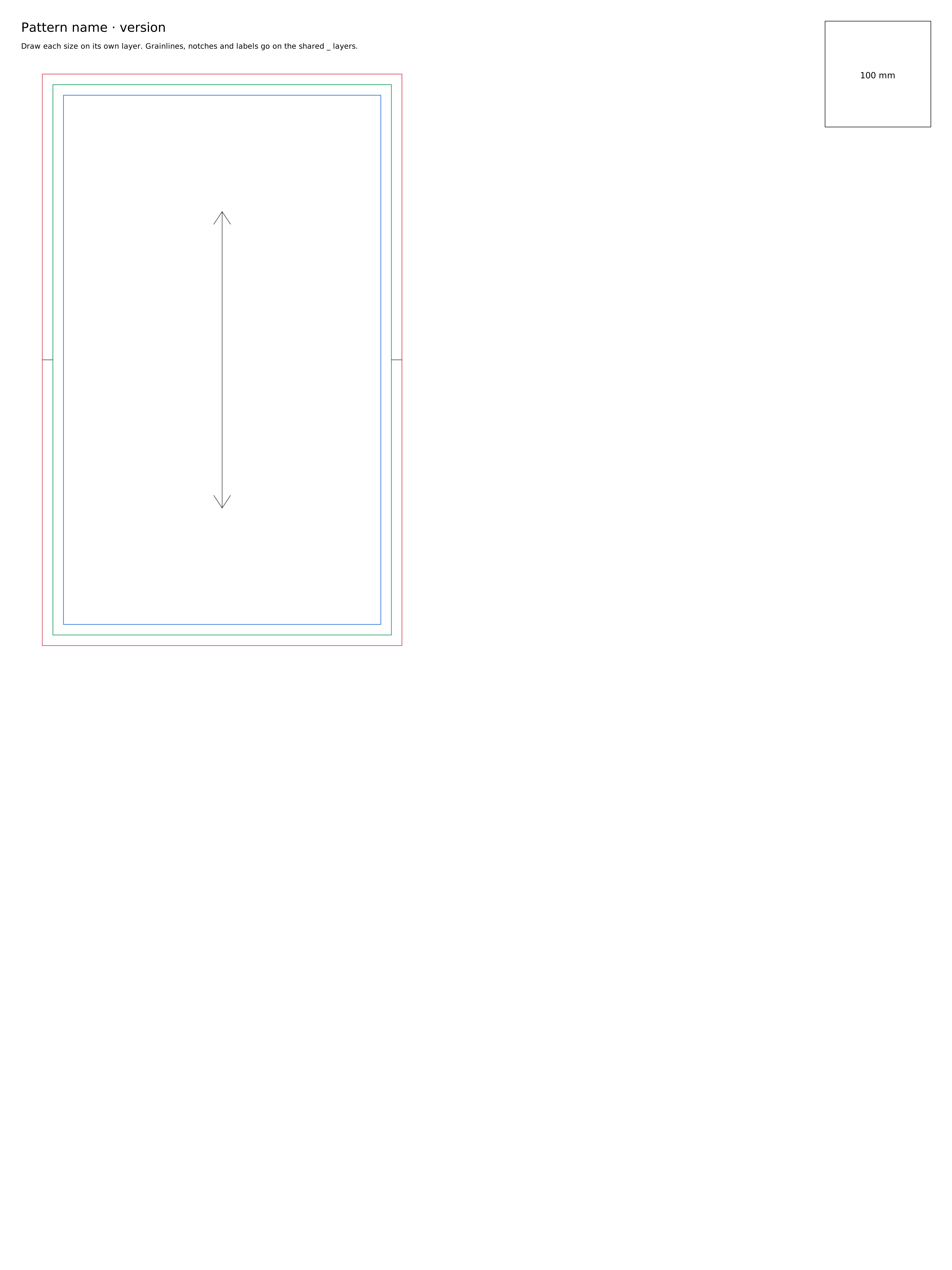
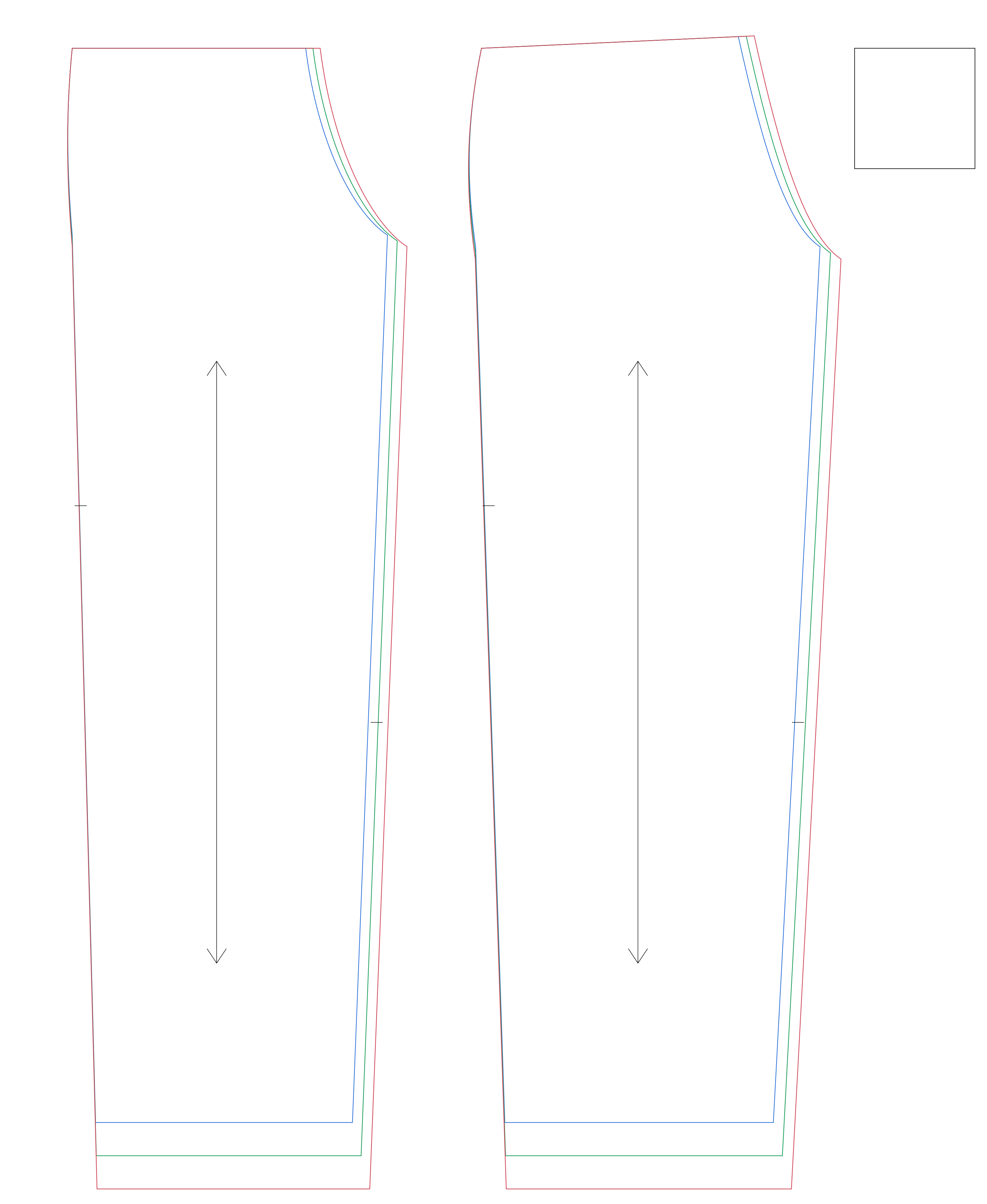
SVG · freeBlank master template900 × 1200 mm, in millimetres. Layers S, M, L, _grainlines, _notches, _text and _test.DownloadSVG · freeExample: trouser masterA finished three-size trouser front and back, set up the way Sewpress reads it.Download
Inkscape
Open the file: the layers appear in Layers and Objects exactly as Sewpress reads them. Draw, then save as Inkscape SVG and upload.
Illustrator
Open the SVG and check each size sits on its own top-level layer (rename or move groups if needed). When you're done, save as Adobe PDF with “Create Acrobat Layers from Top-Level Layers” ticked.
Affinity Designer
Open the SVG, keep one top-level layer per size, and export SVG. Check the test square on Sewpress's inspection screen after uploading.