Your new patterns ship with a projector file, or soon will. Your older ones don't, and buyers ask. Projector sewists filter for patterns that have one, and a buyer who has already paid for a pattern is glad to get one later.
Converting a back catalogue is mostly a sorting job. Here's how to do it without it eating a season.
What you need for each pattern
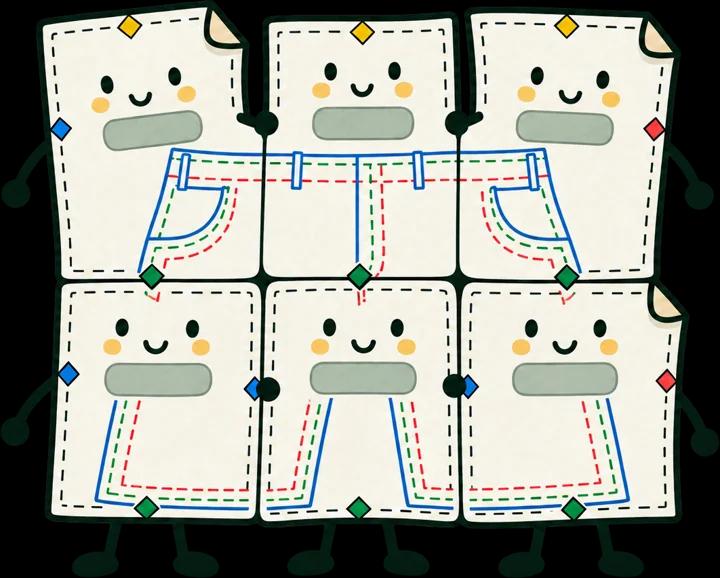
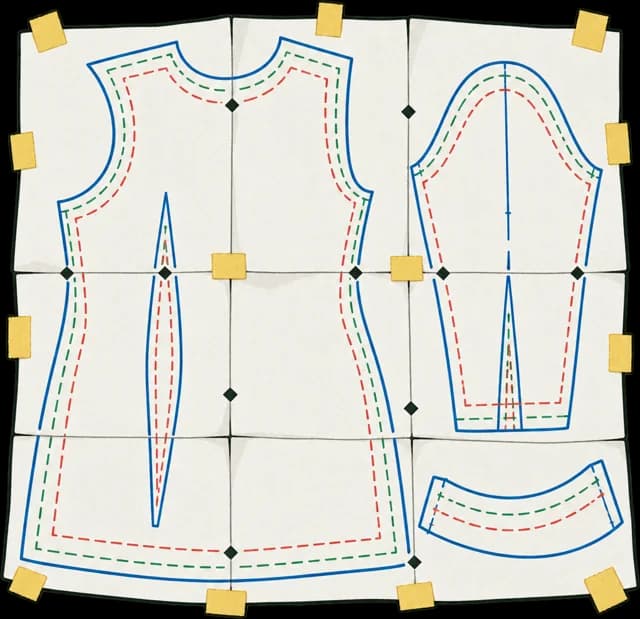
The master file, from before tiling. A projector file is one wide page with every piece whole, so it has to be made from the drawing the pages were cut from. A tiled PDF is the wrong starting point: its pieces are cut across pages, with overlaps and marks in between. Sewpress refuses one, because every piece would come out cut.
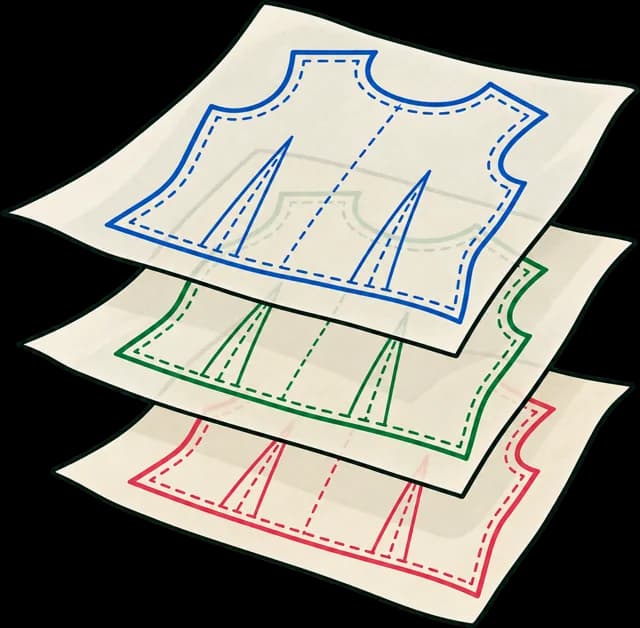
Each size on its own layer. Projector sewists switch off every size but theirs and cut on one line. If an older master has all sizes on one layer, that's the first fix, and it's worth doing anyway: it gives your print files size layers too. The layered master guide shows how.
A test square, or a scale box you already have with a known size. Projector sewists calibrate against it.
Sort the catalogue first
Make a list of every pattern with three columns: is the master findable, is it layered by size, and how well does it sell. Then work in this order:
- Bestsellers with layered masters. Quick, and the most buyers benefit.
- Patterns buyers have asked about. Check your inbox and comments for "is there a projector file?".
- Masters that need layering first. Do these in batches, a few an evening.
- Patterns you'd retire anyway. Leave them, or retire them.
Where a master is lost, decide whether redrawing is worth it for that pattern. Often it isn't.
What a good projector file has
Projector sewists have a fairly settled list:
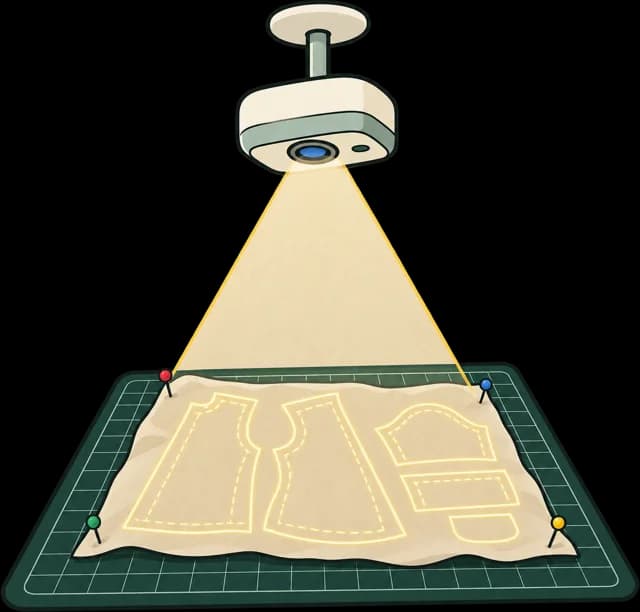
- One wide page, A0 landscape or bigger, with the pieces where they are in your master.
- Thick lines, around 4 pt or more, so they show on fabric. Print lines vanish.
- Size layers, each one switchable.
- Calibration: a grid or box on its own layer, plus your test square.
- A dark copy for dark fabric is a kindness: light lines on black.
Version the upgrade
Adding a projector file changes what's in the download, so give the set a new version (1.0 becomes 1.1) and print it on every page. Then when a buyer writes in, you know whether they have the set with the projector file.
Tell past buyers
How past buyers get the new file depends on where you sell. Some platforms update a listing's files for everyone who bought it, others need an email from you. Check your platform's help before you announce it. A short note, "your pattern now has a projector file, here's how to use it", is good news to send, and it brings people back to your shop.
Projector sewing is new to many buyers. Link them to a printing and projecting guide in your instructions or help pages. Ours is written for any PDF pattern, and you're welcome to link to it.
Doing it with Sewpress
Upload a master and Sewpress builds the projector file (light and dark), with 4 pt lines, your size layers, a calibration grid and box on their own layers, and your test square measured. It builds the tiled and copyshop files from the same master in the same press, and you can leave out any format you already have.
Try one pattern first with a free test build: it's marked TEST COPY, so project it, check it, and see whether the layout works before you spend anything. A clean build is one credit, $12. For a catalogue, 20 credits are $119, $5.95 a pattern, and credits never expire, so you can work through the list at your own pace.
If something in an older master trips the build, such as a layer name, a scale box or a file that's already tiled, the inspection screen says what and why before you spend a credit. For more on what makes a projector file work, see how to make a projector-ready PDF sewing pattern.
Questions
Can I make a projector file from my tiled PDF?
Not a good one. Its pieces are cut across pages with overlaps between them. Start from the master from before tiling.
Do I need to redo my print files too?
No. You can add only the projector file. If you build every format from the same master, though, they all get the same size layers and version.
Will past buyers get the new file?
It depends on your shop platform: some update files for past buyers, some need you to send them. Check your platform's help.